
COMPLAINT MANAGEMENT
Complaints that don't disappear into someone's inbox
Mint Service Desk gives your team a structured way to log, track, and resolve complaints — with full audit history, deployed on your servers or in the cloud.


4.8/5 wedlug g2
.png)

Trusted by organizations
across Poland and CEE
across Poland and CEE



WHAT MINT SOLVES
Built for complaints that need a paper trail
Every complaint creates its own audit trail automatically, as a byproduct of the ticketing process — not a separate system to maintain.
14+ years on the market
Predictable costs at scale
Managed and On-Premises plans include unlimited agents for teams of 100+ users — so handling more complaint volume doesn't mean renegotiating your contract.
Ticket data and AI-processed content never leave your servers. Available as a paid add-on, running locally — not routed through external cloud models.
AI that stays on your infrastructure
Built around how complaints actually escalate
Deadlines, escalation paths, and responsible parties are tracked automatically — so nothing sits unresolved past its statutory or internal deadline.

Full history on every complaint
PLATFORM CAPABILITIES
Everything you need to manage complaints end to end
Built around complaint workflows, with the SLA tracking and reporting your team already relies on.
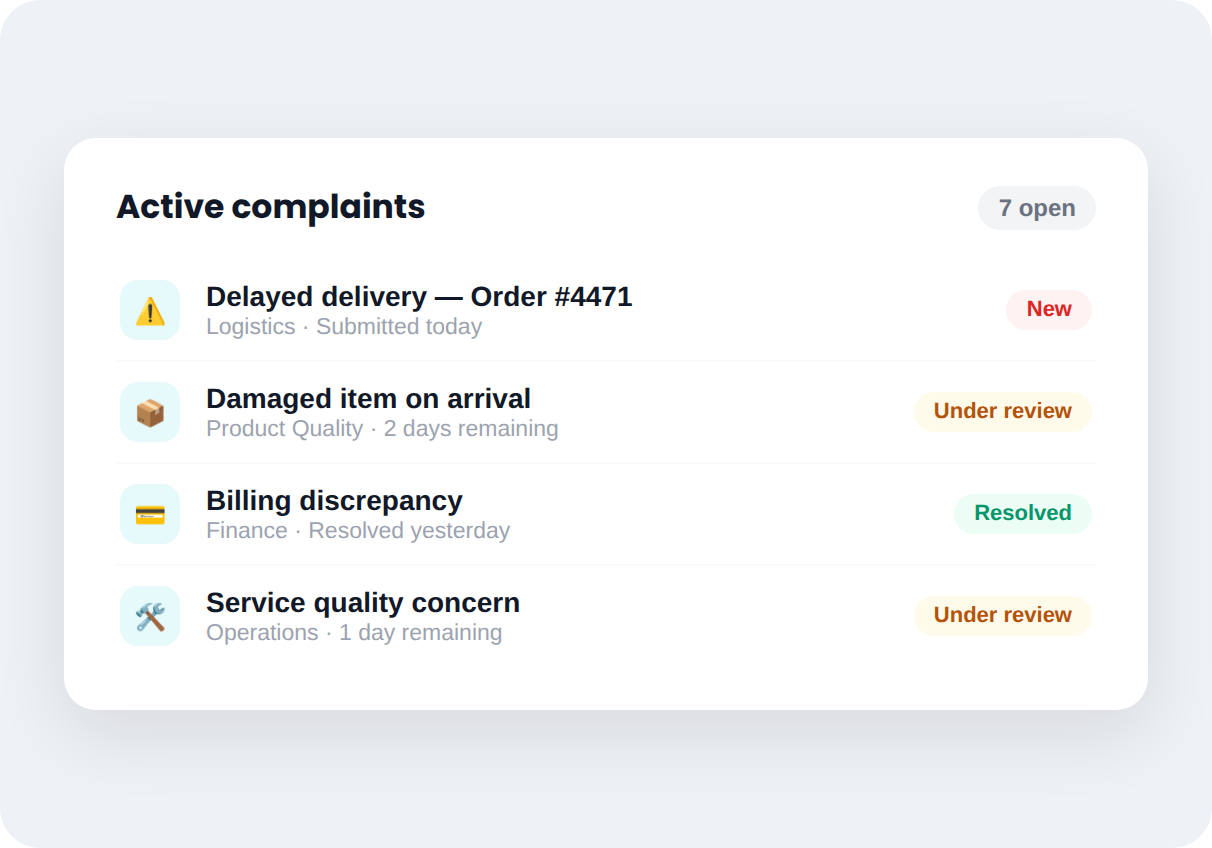
Complaint & Claim Management
Structured workflows for logging, categorizing, and resolving complaints. Configurable escalation paths and deadlines — with a complete record of every step taken.
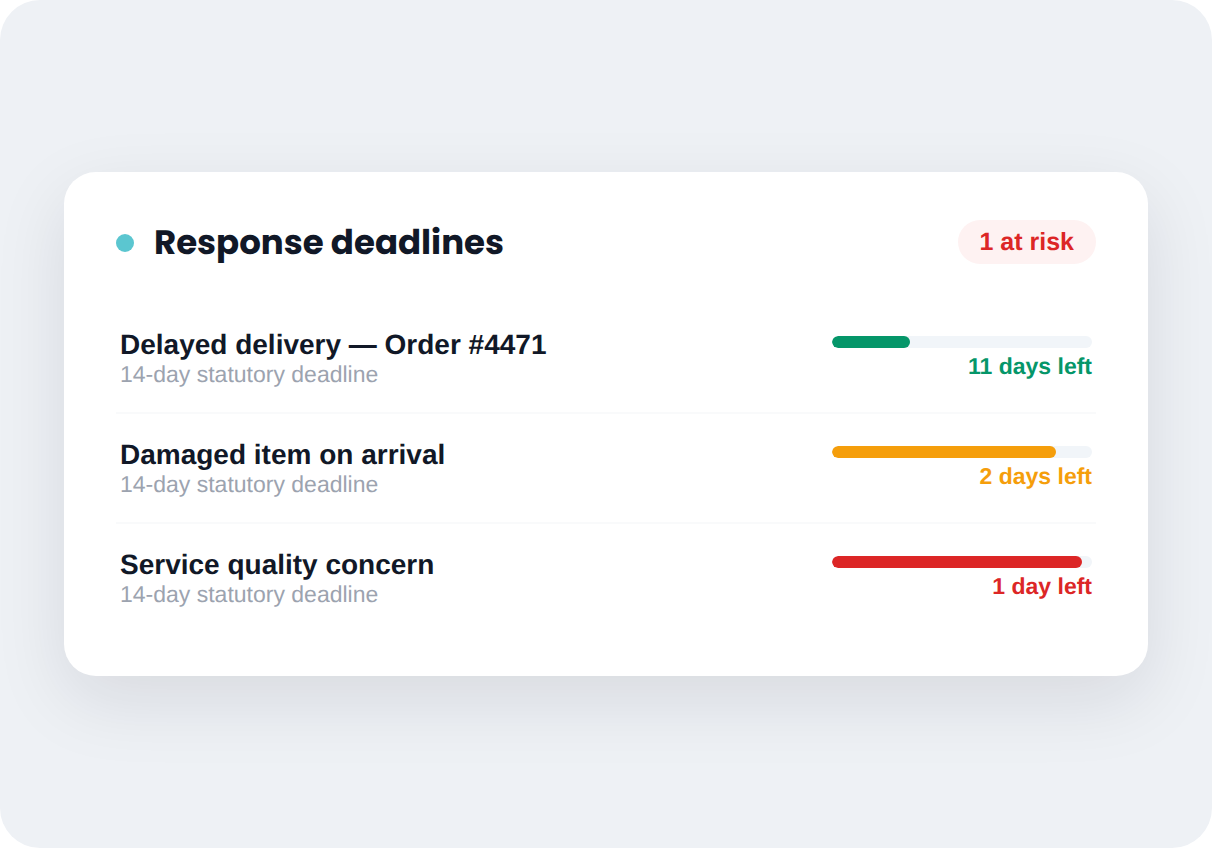
Deadline Monitoring & Early Warning
Real-time tracking against statutory or internal response deadlines. Set warning thresholds before a complaint goes unanswered — not after.
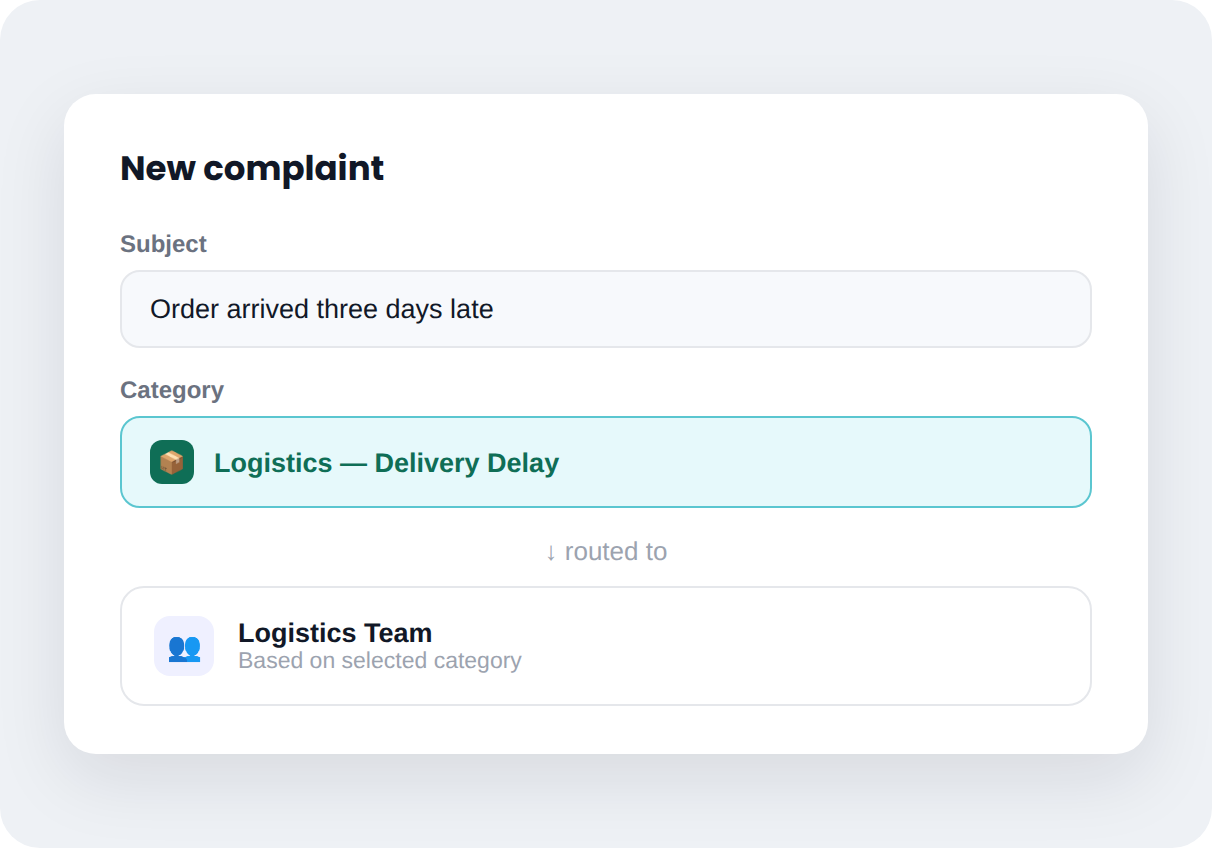
Auto-Route by Complaint Category
Route complaints to the right team based on category, severity, or product line automatically — including notifications when a deadline is approaching.
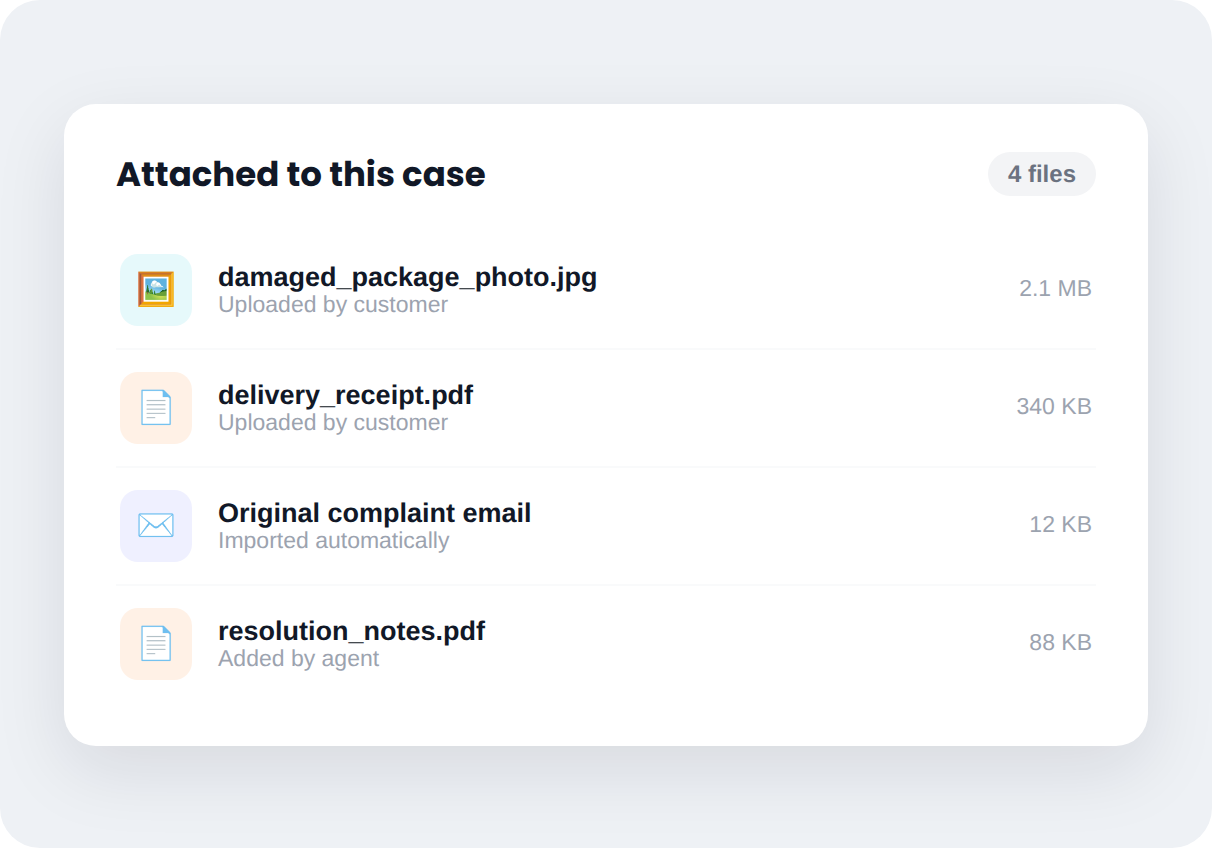
Evidence & Attachments, Linked to the Case
Attach photos, documents, and correspondence directly to a complaint record. Everything tied to the case stays in one place — not scattered across email threads.
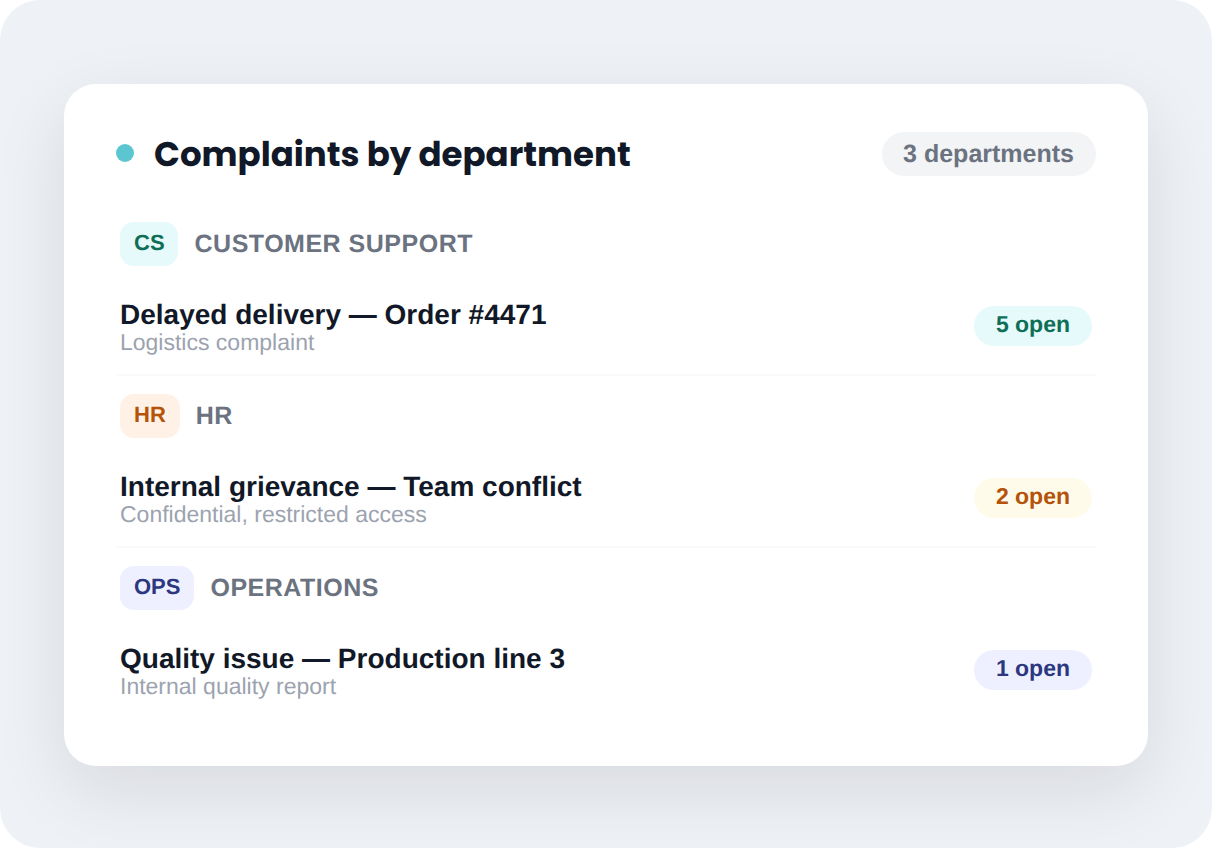
Complaints Beyond Customer Support
The same workflow that handles customer complaints can track internal grievances or quality issues from HR and operations — one system, not a separate tool per department.
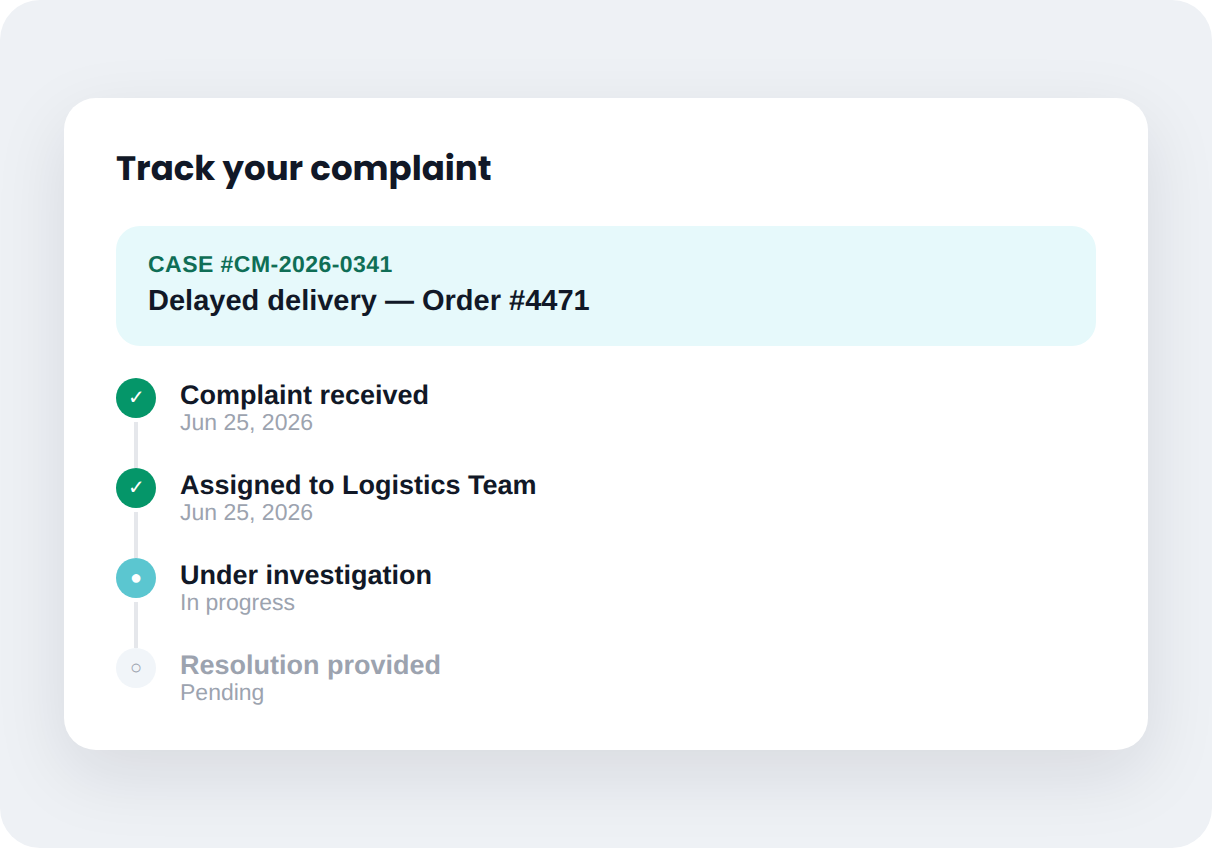
Customers Track Their Own Complaint Status
Complainants check progress on their own case without calling for updates. Status changes and resolution notes are visible the moment they're added.
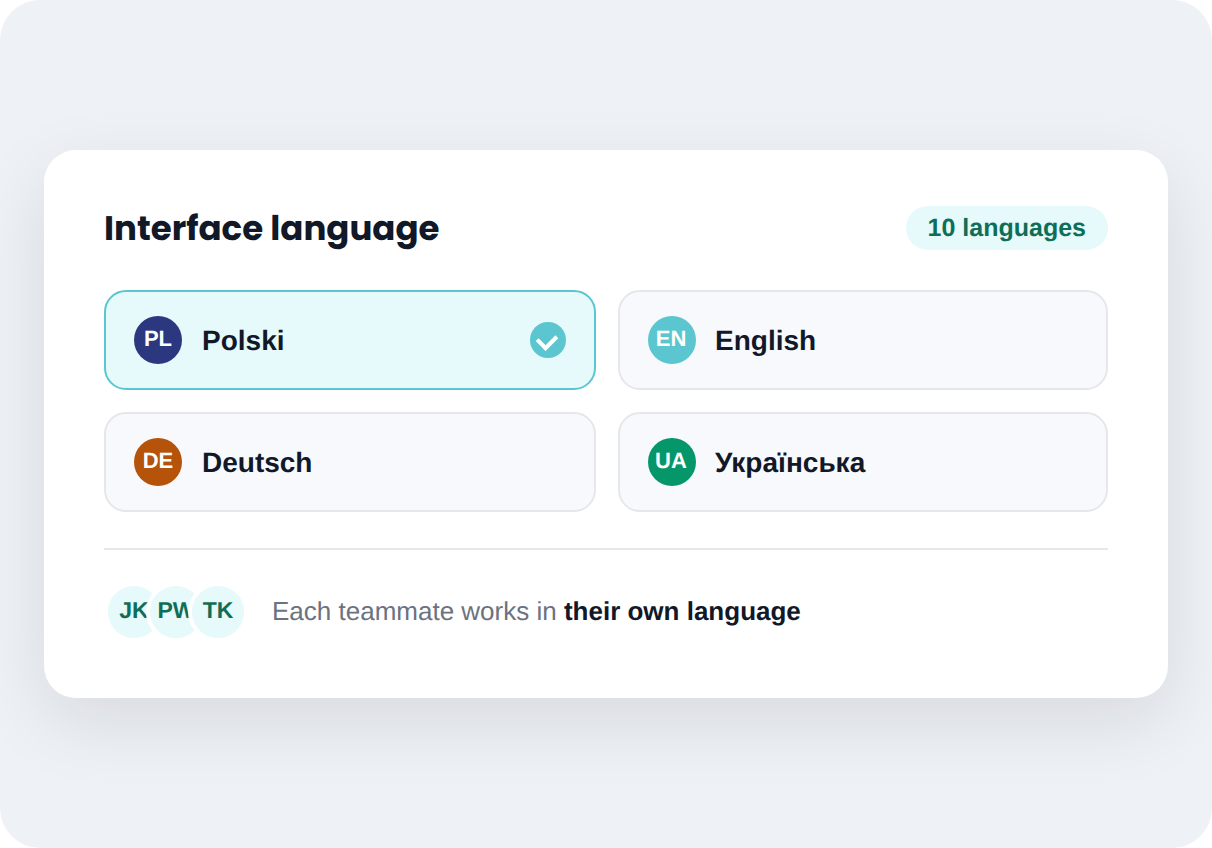
Multi-Language Interface
Available in 10 languages, so teams across regions work in their own — without separate instances or translation overhead.
How it works
From first conversation to system live — without the guesswork
Mint Service Desk implementations follow a structured process, not a generic onboarding email.
Step 1
We learn your process
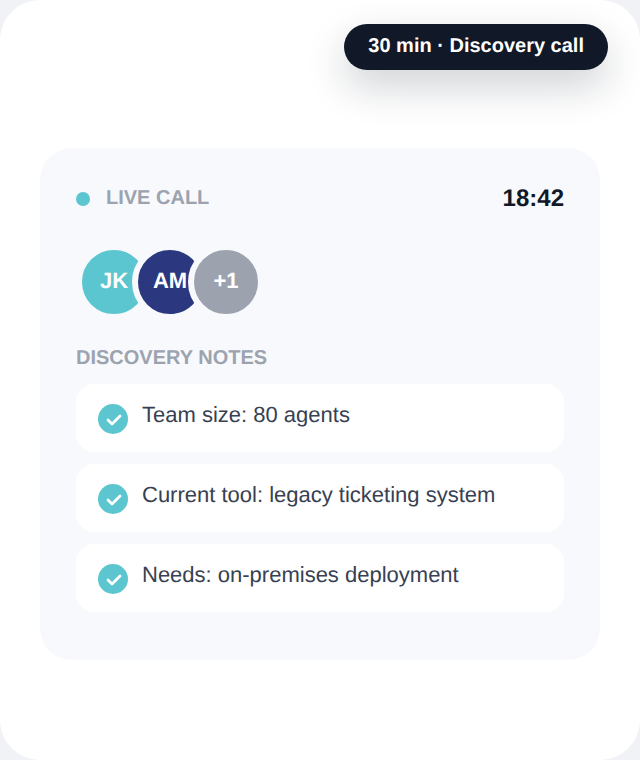
A short conversation to understand your current setup, team size, and what's not working today.
Step 2
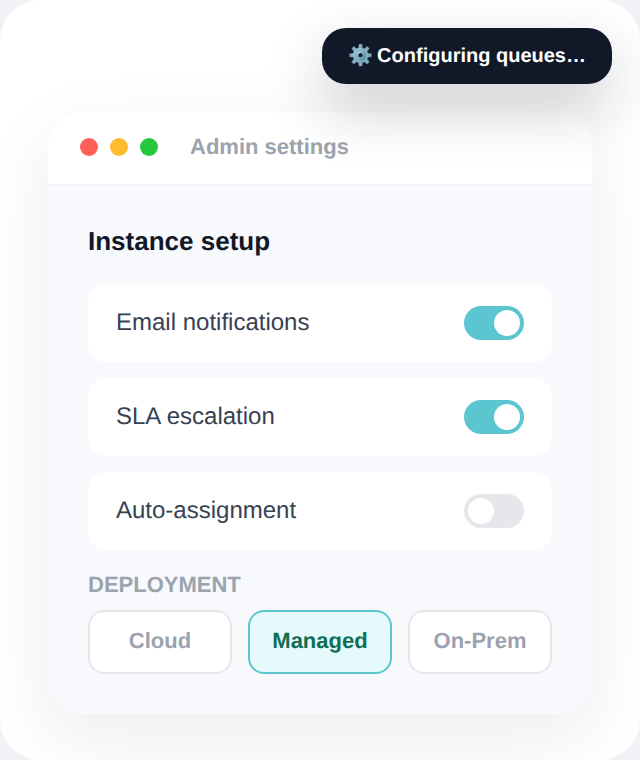
We configure your instance
Mint is configured for your queues, SLAs, and ticket types — on Cloud, Managed, or On-Premises, based on what you choose.
Step 3
Your team goes live
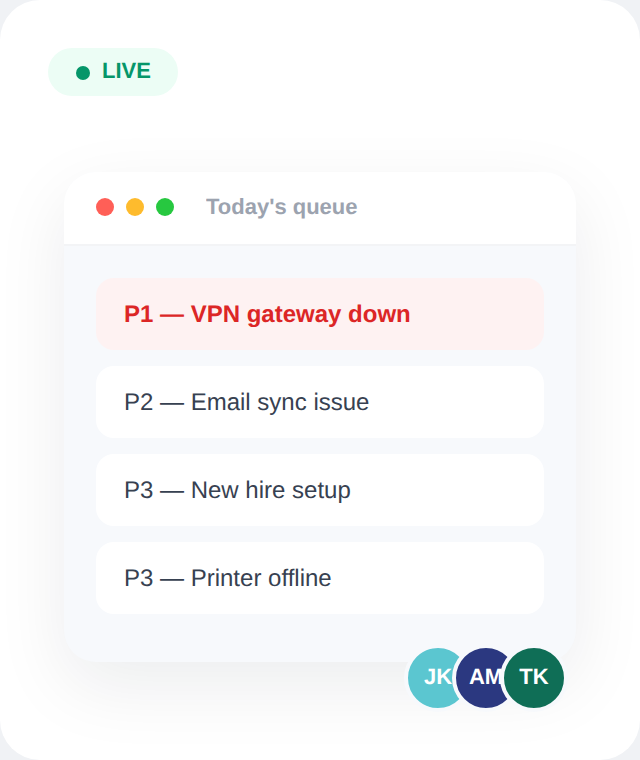
We stay close during the first weeks while your team gets comfortable with day-to-day workflows.
SEE IT IN ACTION
Watch how Mint actually works.
Built for logging complaints and keeping a complete record of every step, automatically.
PLANS & FEATURES
See exactly what's included at each level
From core ticketing to multi-department ESM — every feature is mapped to the plan that includes it, across Cloud and On-Premises.
FAQ
Questions we hear most often
Straight answers — no sales call required to get them.
How long does implementation take?
Can I migrate data from Jira, Freshdesk, or another system?
Does the AI module really never send data externally?
Can I test Mint SD Cloud before making a decision?
Does Mint create an audit trail for complaints automatically?
FROM THE BLOG
Notes from IT teams who've been through this
Practical breakdowns of SLA tracking, total cost of ownership, and where ESM fits — written for people who run service desks, not for people who sell them.