HELPDESK
A helpdesk that doesn't outgrow your team in a year
Mint Service Desk gives your team one place to log, track, and resolve tickets — deployed on your servers or in the cloud, with room to grow into full ITSM when you need it.


4.8/5 wedlug g2
.png)

Trusted by organizations
across Poland and CEE
across Poland and CEE



WHAT MINT SOLVES
Built for teams who need simple, not basic
Ticket logging and resolution that works from day one, with SLA tracking and automation available as your needs grow.
14+ years on the market
Predictable costs at scale
Managed and On-Premises plans include unlimited agents for teams of 100+ users — so a growing support team doesn't mean renegotiating your contract.
Ticket data and AI-processed content never leave your servers. Available as a paid add-on, running locally — not routed through external cloud models.
AI that stays on your infrastructure
Built around how tickets actually pile up
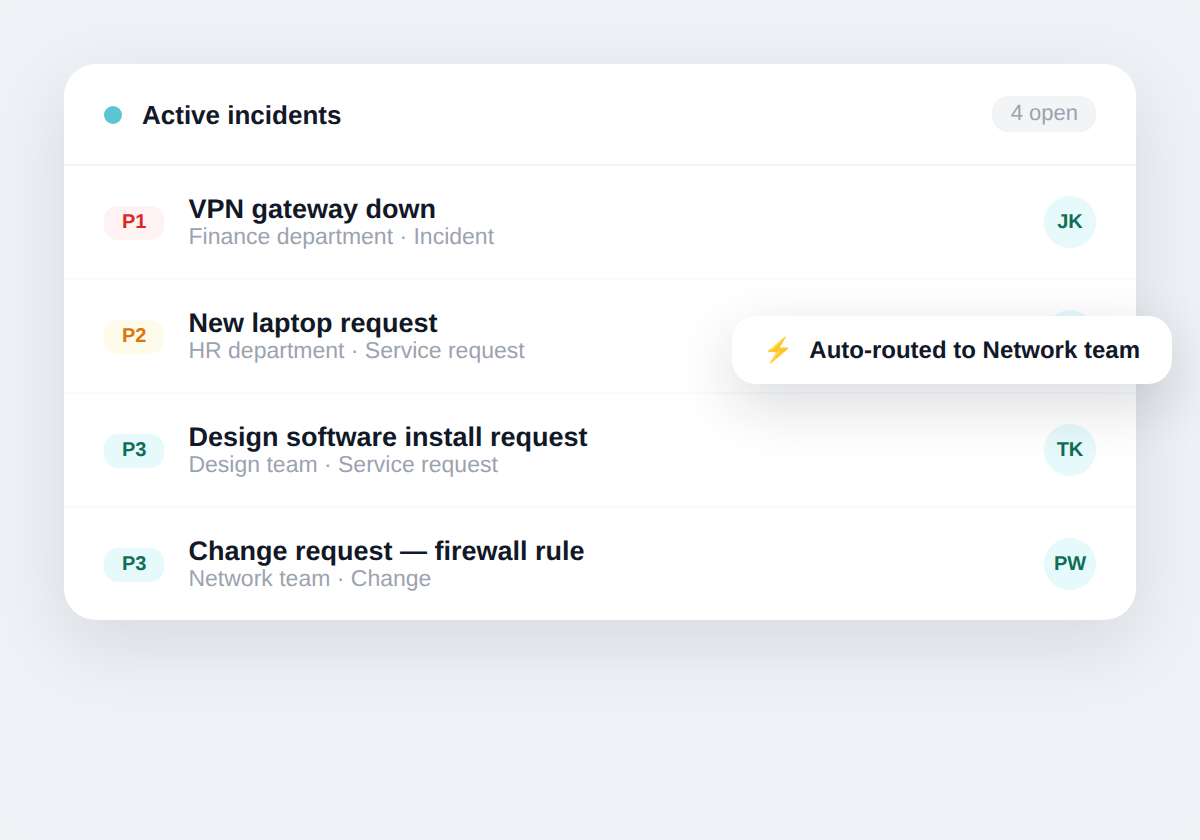
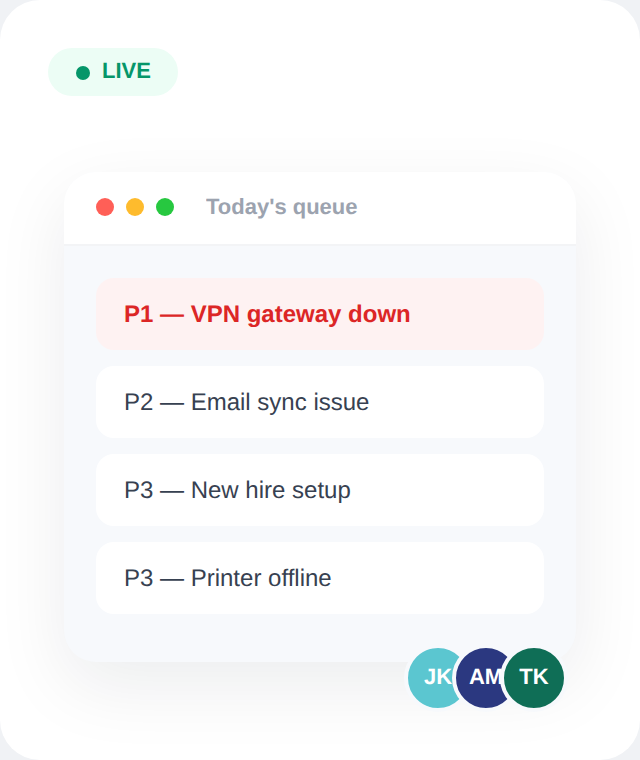
Priority rules and routing keep the queue moving — so the same five tickets don't sit at the top while new ones pile up underneath.

Real-time ticket visibility
PLATFORM CAPABILITIES
Everything a helpdesk needs. Nothing it doesn't.
Built for fast ticket resolution, with the option to grow into full ITSM workflows later.
Incident & Request Management
Structured workflows for incidents, service requests, and change management. Configurable priority rules and escalation paths — without requiring vendor support for every change
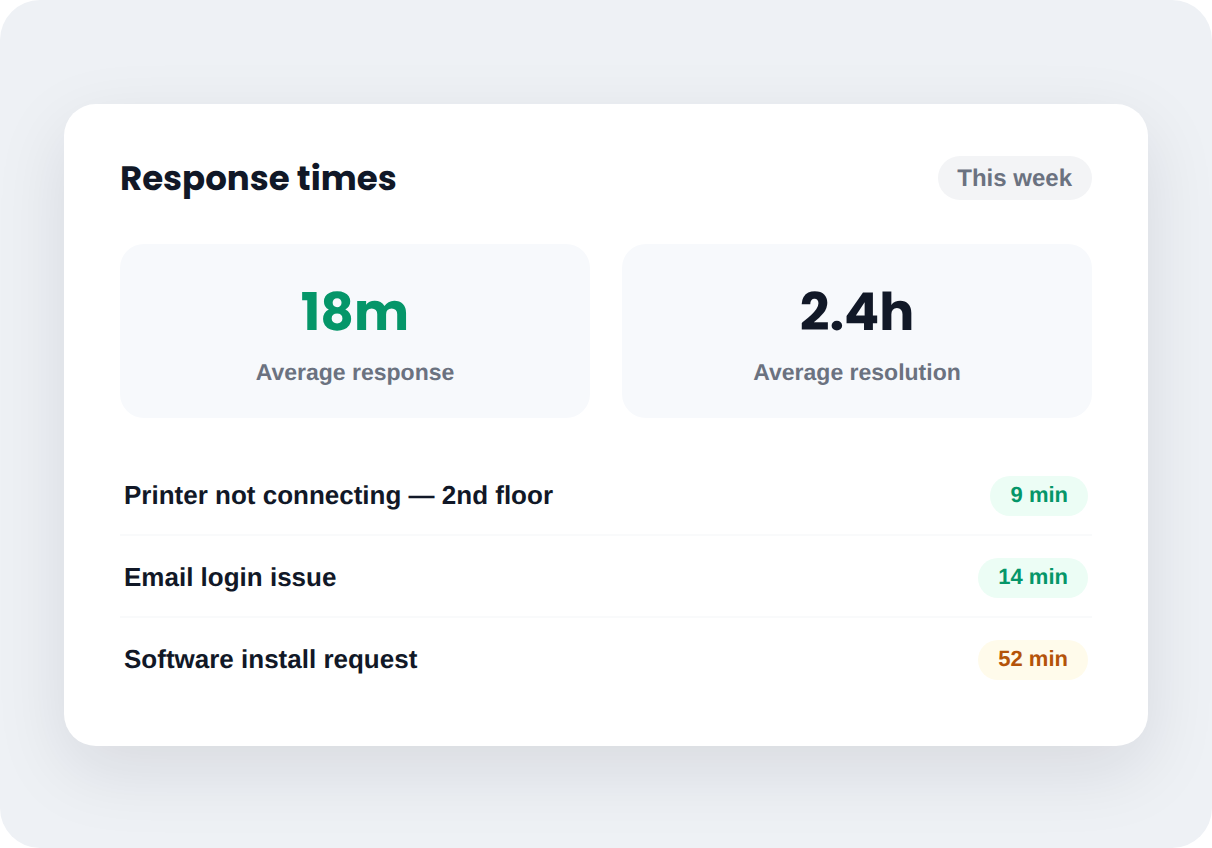
Response Time Tracking, Out of the Box
Know how long tickets actually take to answer, without configuring anything complex first. Add formal SLA rules later if your team needs them.
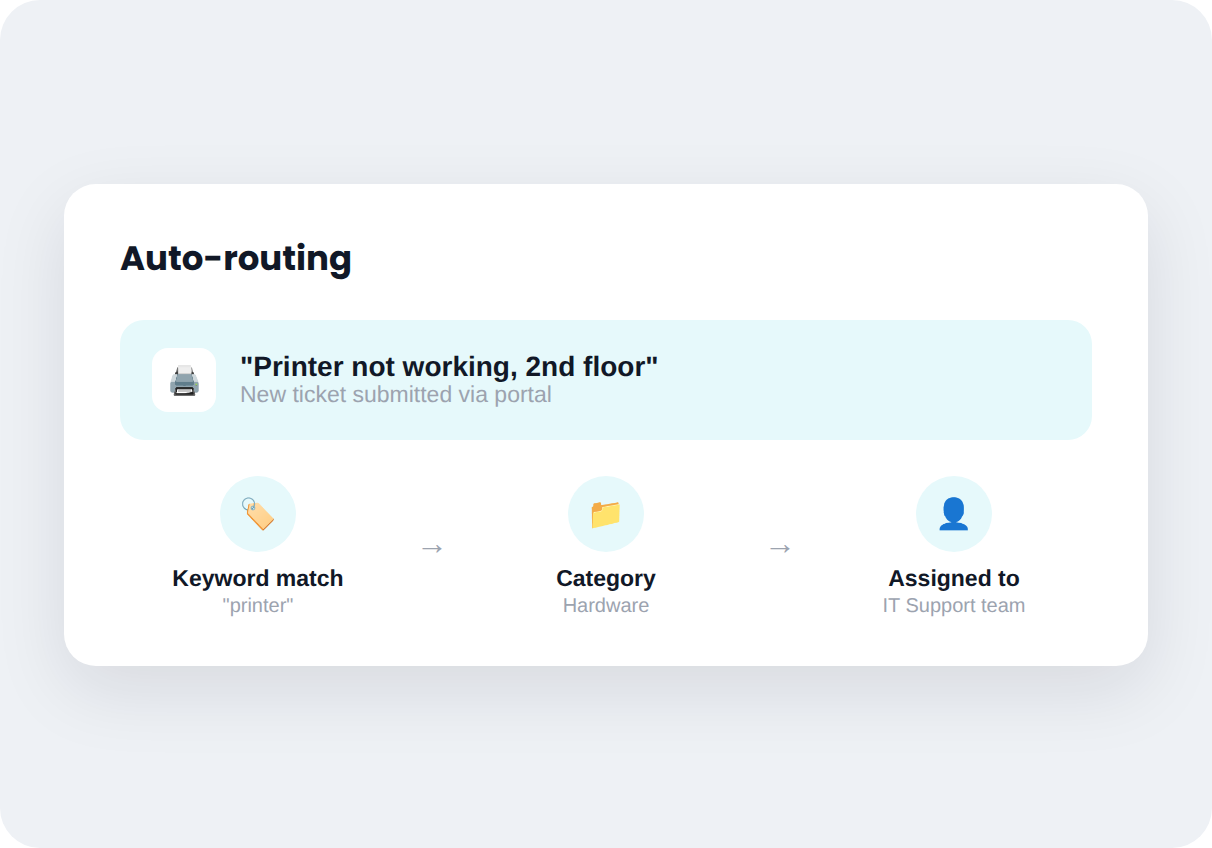
Simple Routing That Just Works
New tickets land with the right person based on category or keyword — no need to design a workflow diagram before you can use it.
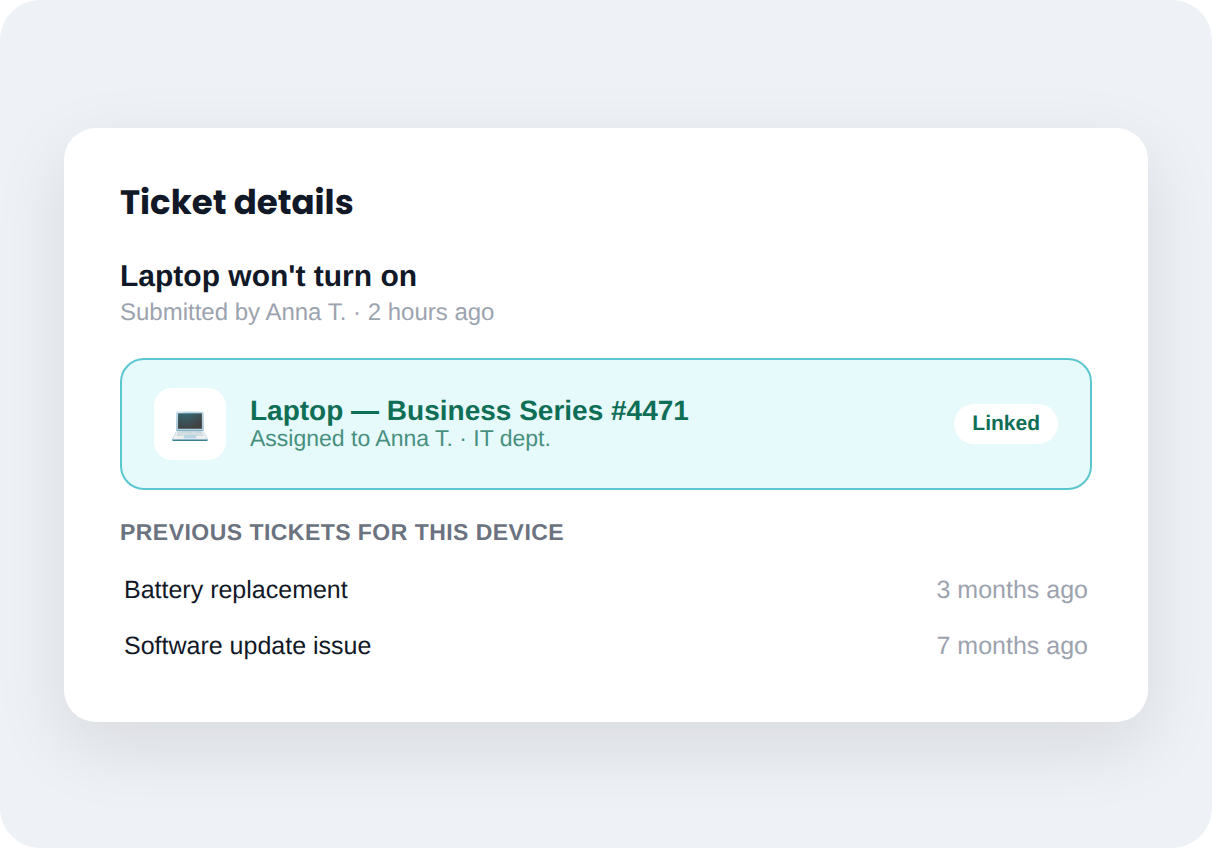
Know What Device Each Ticket Is About
Link tickets to a basic device record — laptop, printer, account — without setting up full asset management until you actually need it.
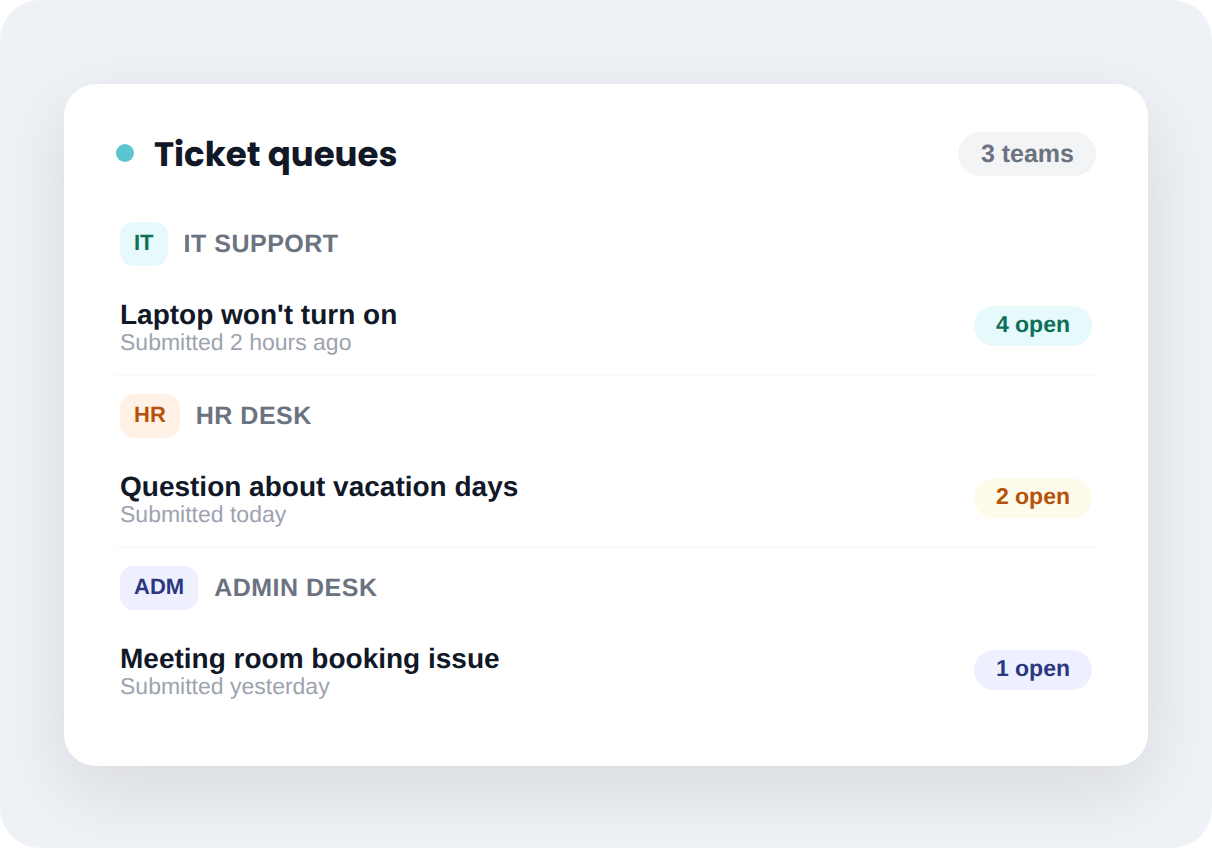
Helpdesk for Other Departments, Same Setup
HR or admin can run their own simple ticket queue on the same platform — no separate tool, no separate login, no extra training.
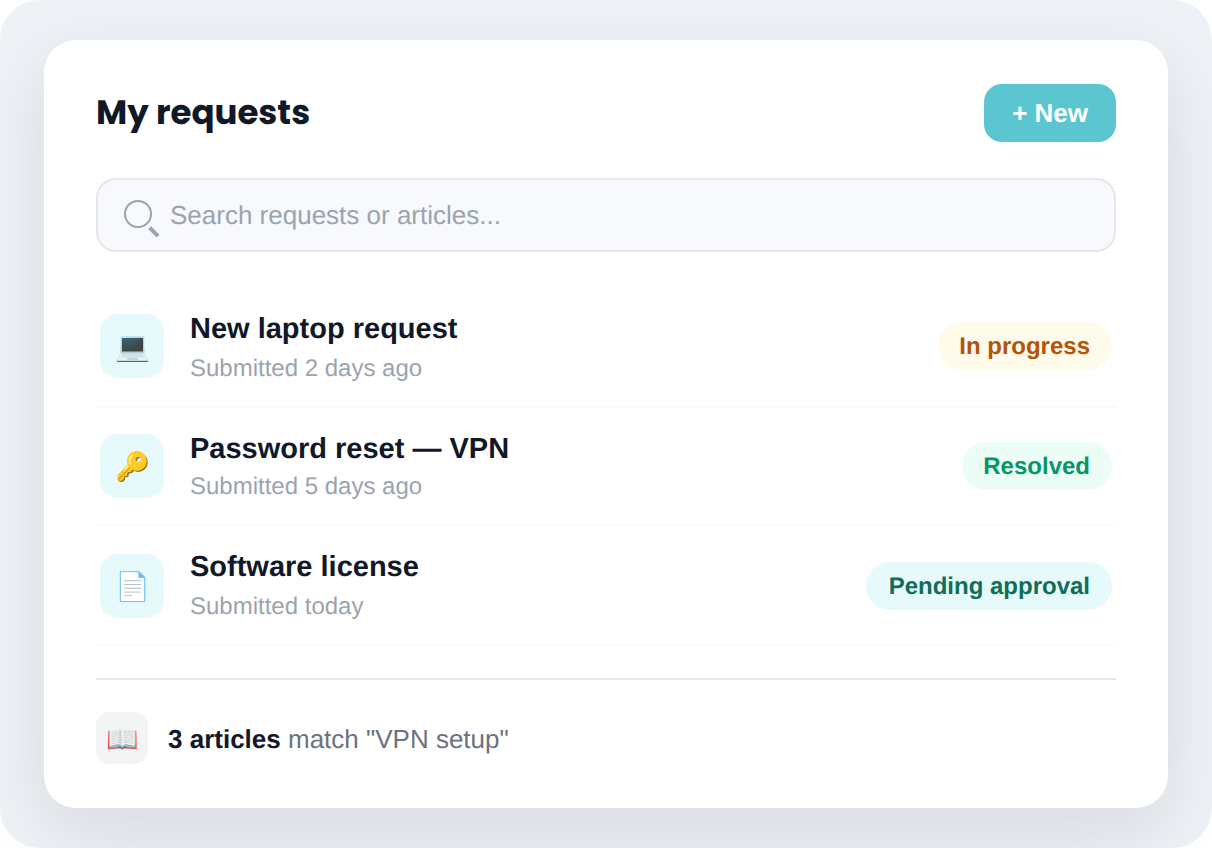
One Place to Submit and Check Tickets
Employees submit a request and see its status without sending a follow-up email — a simple portal that doesn't require onboarding.
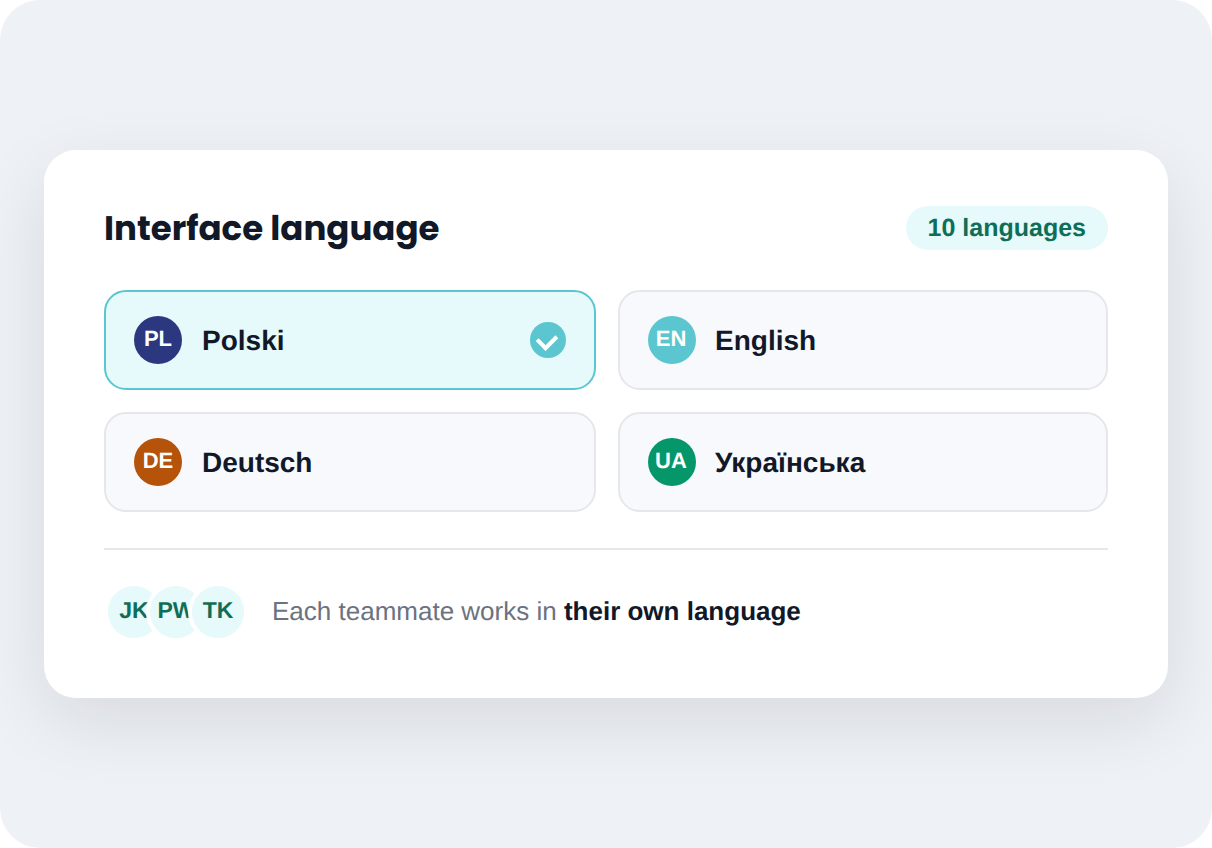
Multi-Language Interface
Available in 10 languages, so teams across regions work in their own — without separate instances or translation overhead.
How it works
From first conversation to system live — without the guesswork
Mint Service Desk implementations follow a structured process, not a generic onboarding email.
Step 1
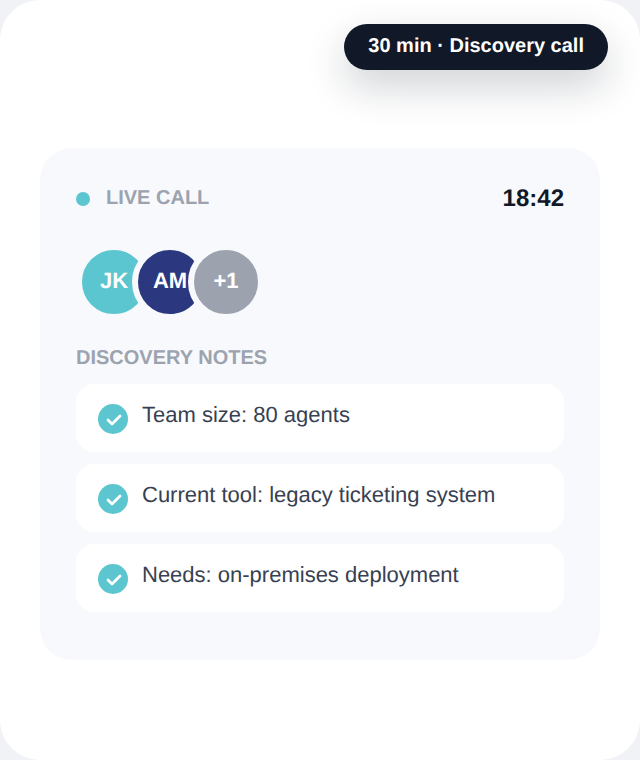
We learn your process
A short conversation to understand your current setup, team size, and what's not working today.
Step 2
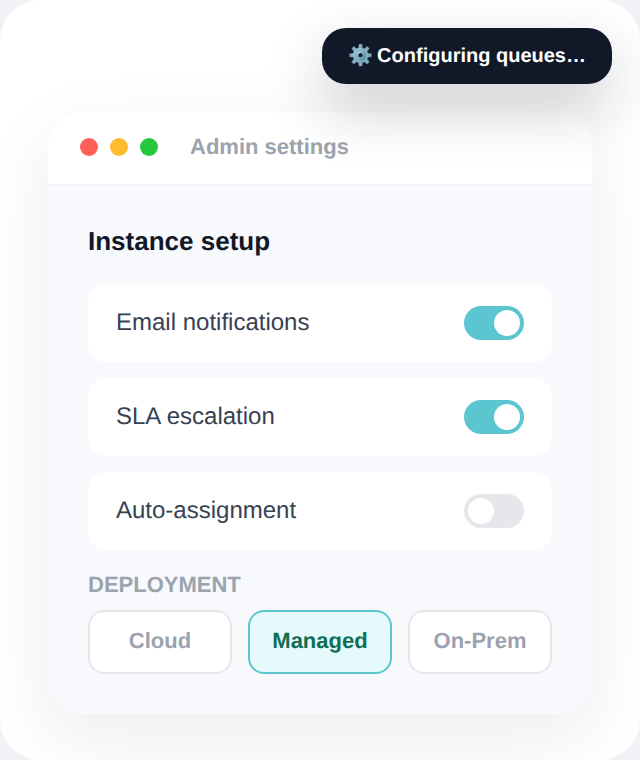
We configure your instance
Mint is configured for your queues, SLAs, and ticket types — on Cloud, Managed, or On-Premises, based on what you choose.
Step 3
Your team goes live
We stay close during the first weeks while your team gets comfortable with day-to-day workflows.
SEE IT IN ACTION
Watch how Mint actually works.
Built for fast ticket logging and resolution, with room to grow into structured ITSM workflows.
PLANS & FEATURES
See exactly what's included at each level
From core ticketing to multi-department ESM — every feature is mapped to the plan that includes it, across Cloud and On-Premises.
FAQ
Questions we hear most often
Straight answers — no sales call required to get them.
How long does implementation take?
Can I migrate data from Jira, Freshdesk, or another system?
Does the AI module really never send data externally?
Can I test Mint SD Cloud before making a decision?
Can we start with helpdesk and move to full ITSM later?
FROM THE BLOG
Notes from IT teams who've been through this
Practical breakdowns of SLA tracking, total cost of ownership, and where ESM fits — written for people who run service desks, not for people who sell them.