SERVICE DESK FOR GIS
See where every ticket and asset actually is
Mint Service Desk visualizes tickets and assets on a map, so location-based teams can see what needs attention and where — deployed on your servers or in the cloud.


4.8/5 wedlug g2
.png)

Trusted by organizations
across Poland and CEE
across Poland and CEE



WHAT MINT SOLVES
Built for teams whose assets aren't all in one building
Tickets and assets are tied to real locations, so dispatching the right person to the right site doesn't depend on someone's memory of the territory.
14+ years on the market
Predictable costs at scale
Managed and On-Premises plans include unlimited agents for teams of 100+ users — so covering more sites and locations doesn't mean renegotiating your contract.
Ticket data and AI-processed content never leave your servers. Available as a paid add-on, running locally — not routed through external cloud models.
AI that stays on your infrastructure
Built around how field issues actually get reported
Tickets carry location data from the moment they're created — so dispatch decisions are based on where the issue actually is, not a written description of it.
Tickets visualized on a map
PLATFORM CAPABILITIES
Everything a location-based team needs
Built around map-based visibility, with the ticketing and asset tracking your team already relies on.
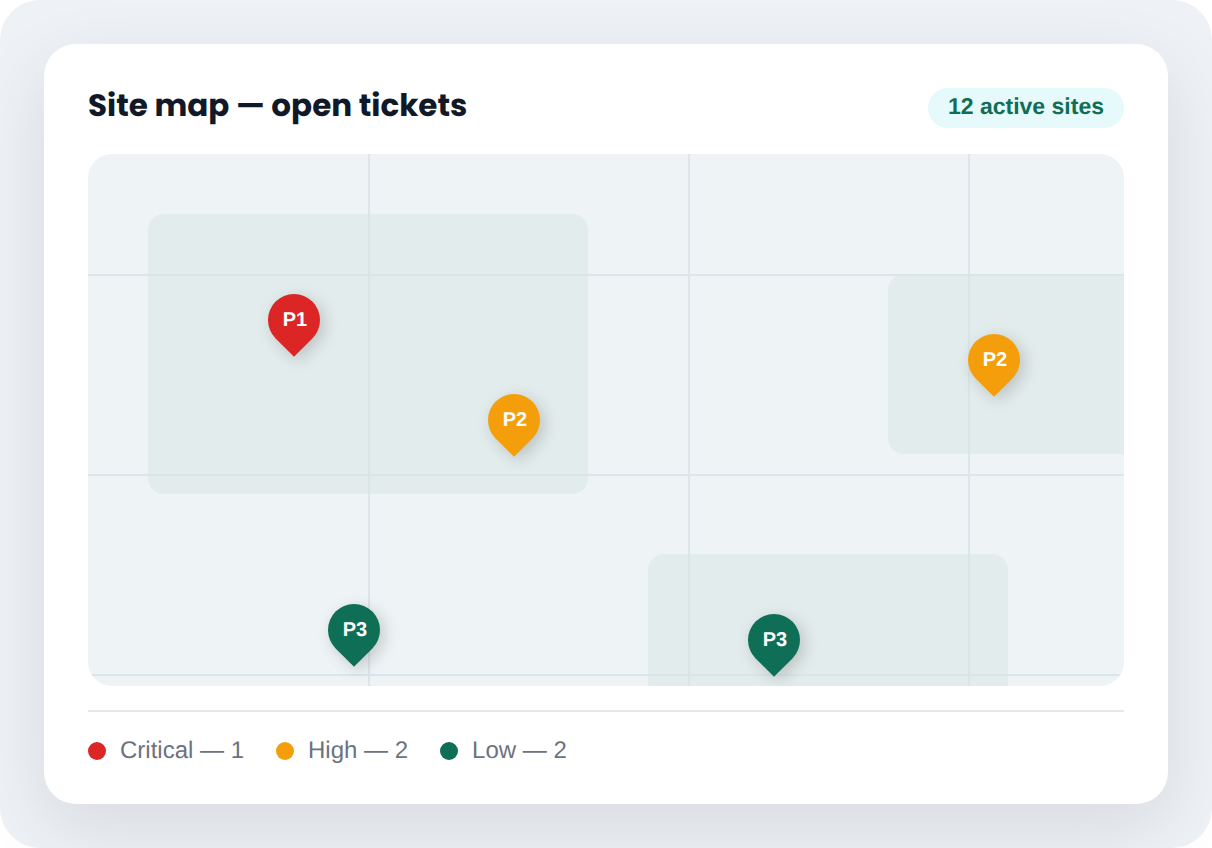
Map-Based Ticket & Asset View
See open tickets and tracked assets plotted by location. Filter by region, site, or status — without cross-referencing a separate map tool.
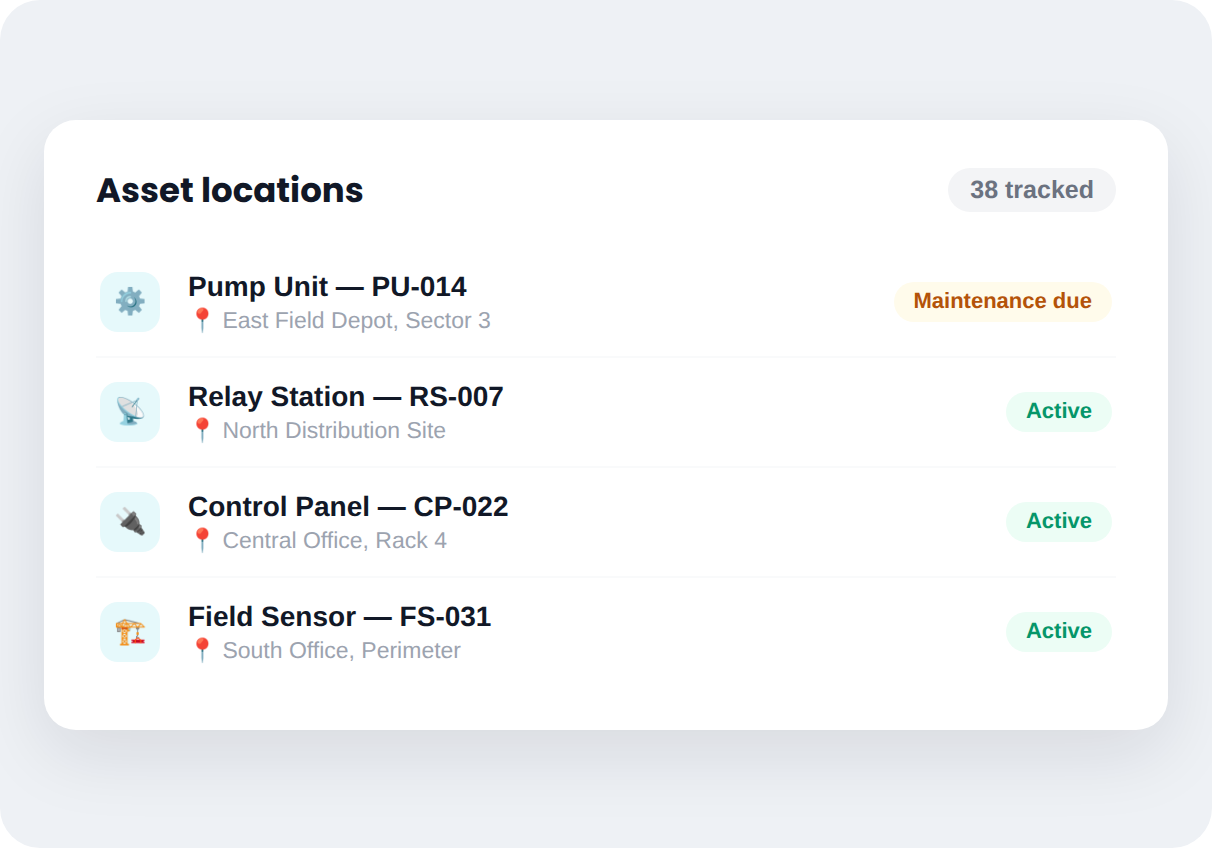
Assets Tracked by Where They Actually Are
Equipment spread across sites is tracked with its physical location, not just an owner name. See what's where without a separate inventory walk.
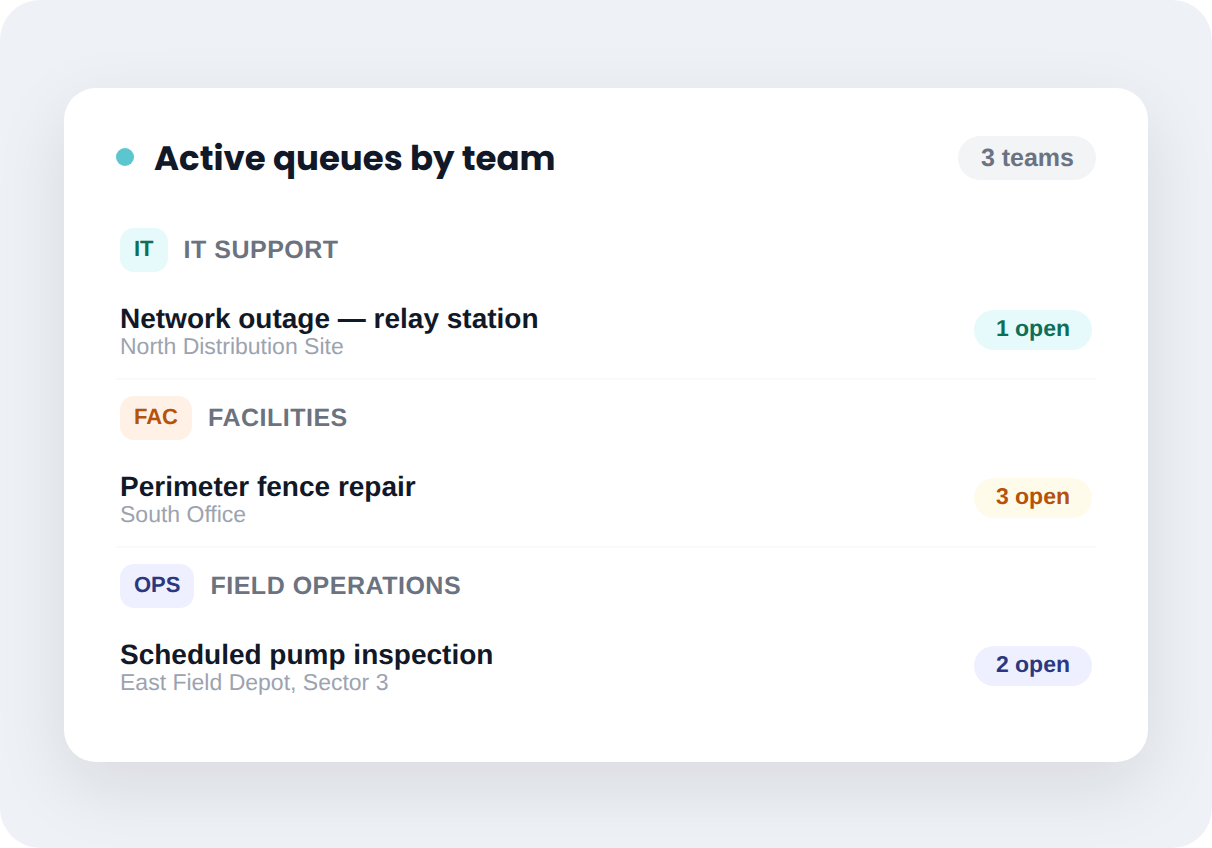
Field Operations Beyond IT
Facilities and operations teams managing distributed sites can use the same map-based ticketing IT relies on — one system, not separate tools per department.
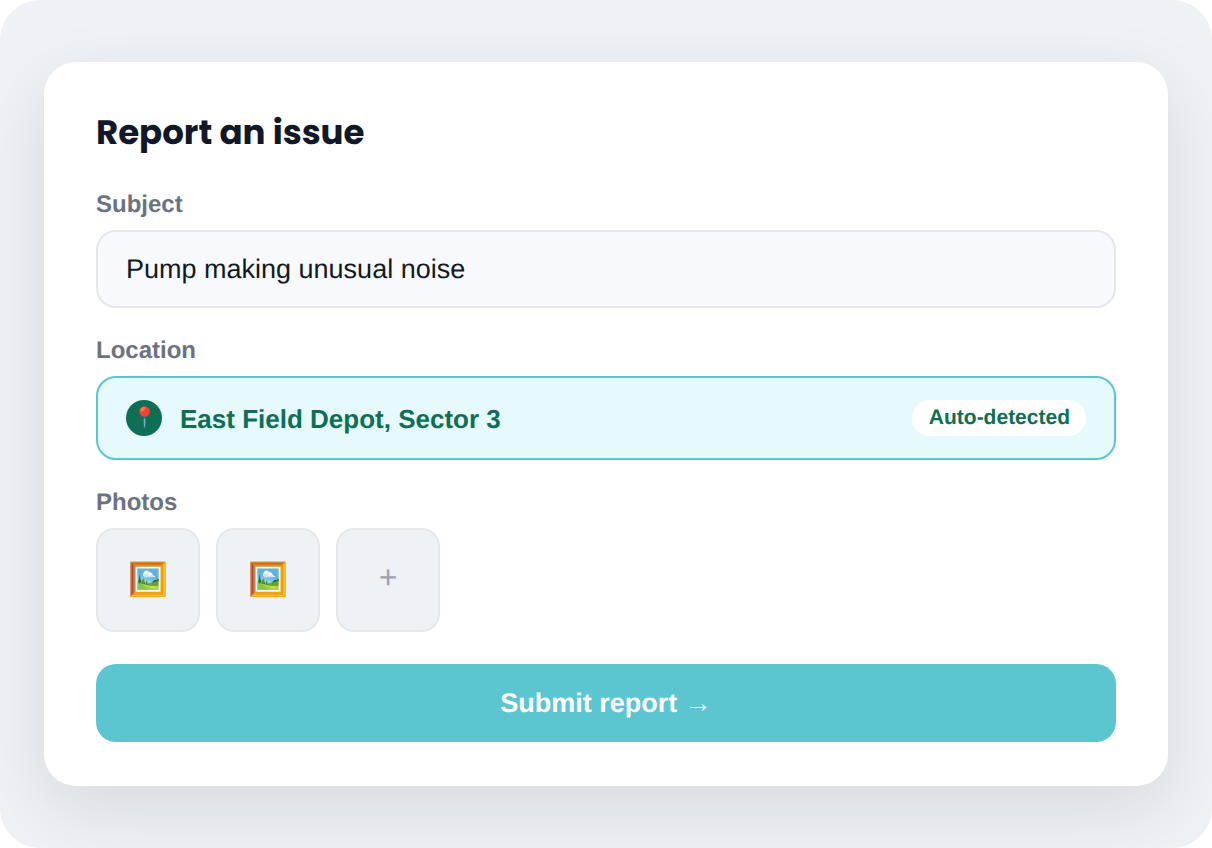
Field Staff Report Issues From the Site
Anyone on-site can submit a ticket with location data attached automatically — no need to describe where the problem is in writing.
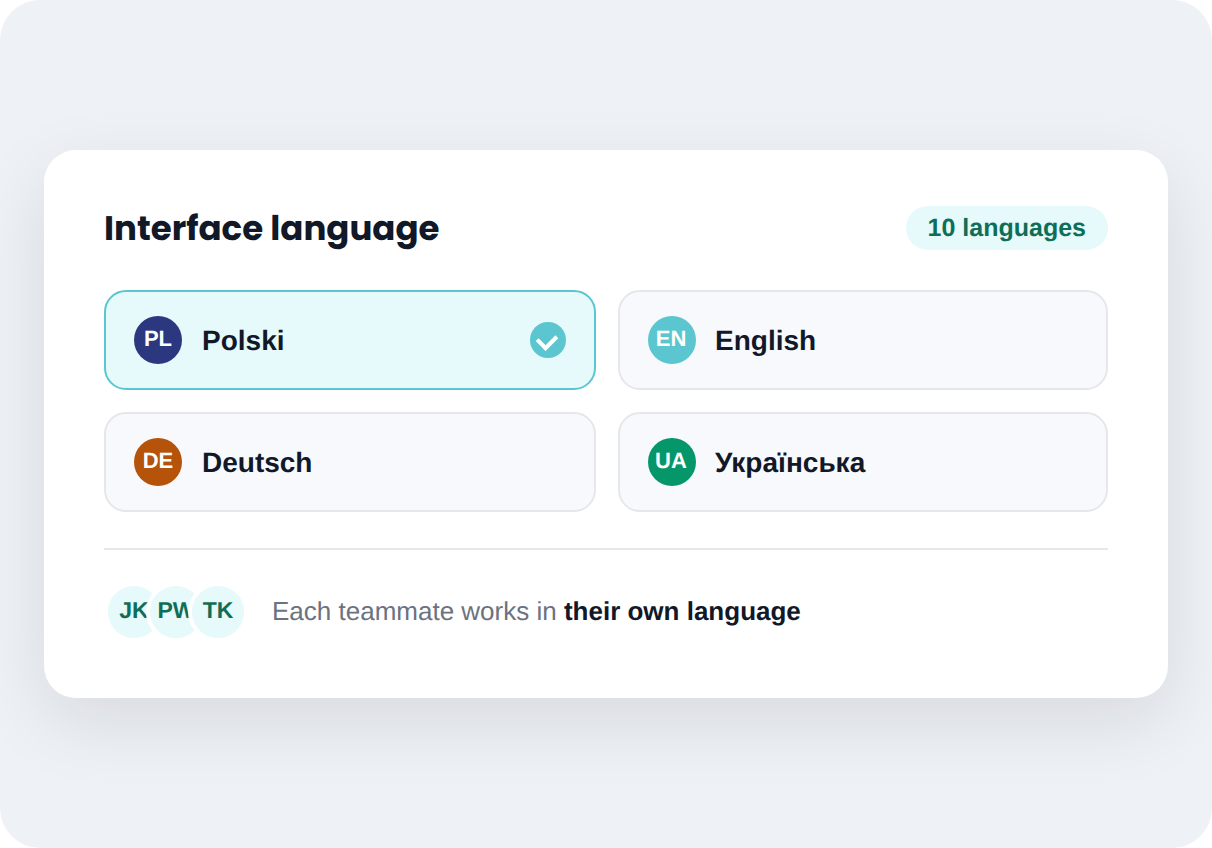
Multi-Language Interface
Available in 10 languages, so teams across regions work in their own — without separate instances or translation overhead.
How it works
From first conversation to system live — without the guesswork
Mint Service Desk implementations follow a structured process, not a generic onboarding email.
Step 1
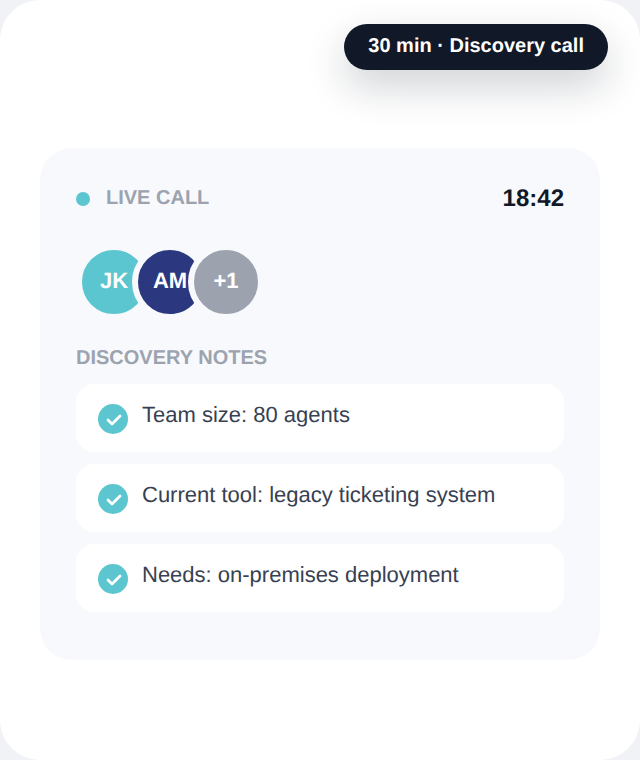
We learn your process
A short conversation to understand your current setup, team size, and what's not working today.
Step 2
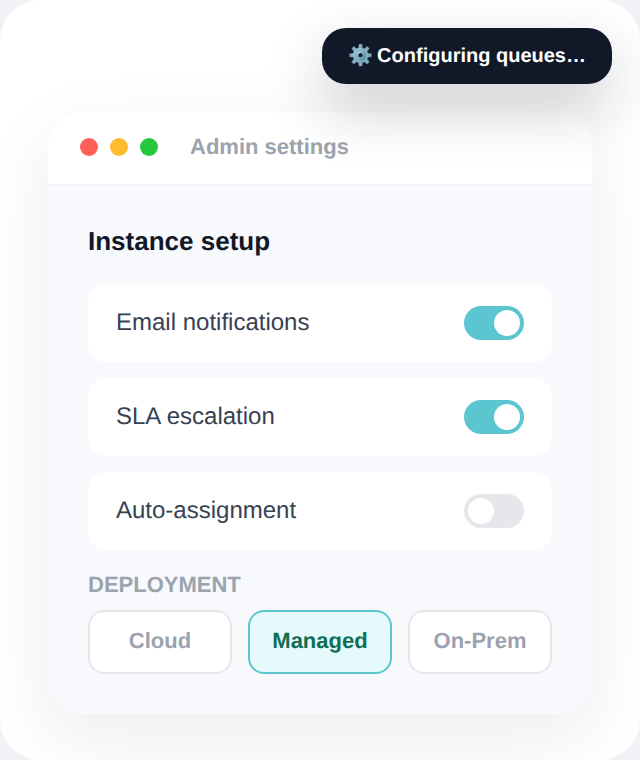
We configure your instance
Mint is configured for your queues, SLAs, and ticket types — on Cloud, Managed, or On-Premises, based on what you choose.
Step 3
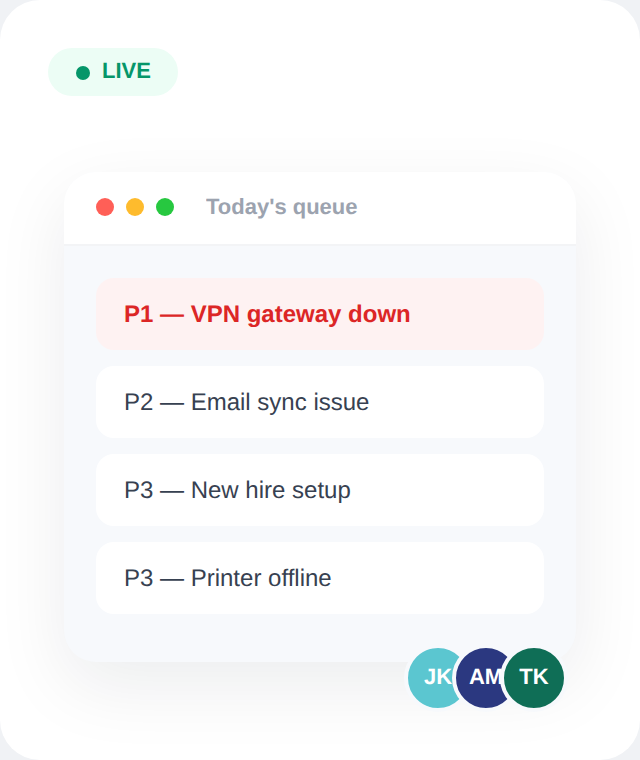
Your team goes live
We stay close during the first weeks while your team gets comfortable with day-to-day workflows.
SEE IT IN ACTION
Watch how Mint actually works.
Built for visualizing tickets and assets by location, across distributed sites.
PLANS & FEATURES
See exactly what's included at each level
From core ticketing to multi-department ESM — every feature is mapped to the plan that includes it, across Cloud and On-Premises.
FAQ
Questions we hear most often
Straight answers — no sales call required to get them.
How long does implementation take?
Can I migrate data from Jira, Freshdesk, or another system?
Does the AI module really never send data externally?
Can I test Mint SD Cloud before making a decision?
Where does the location data on the map come from?
FROM THE BLOG
Notes from IT teams who've been through this
Practical breakdowns of SLA tracking, total cost of ownership, and where ESM fits — written for people who run service desks, not for people who sell them.